Renamed Galactic Dust to GRS: Galactic Reconstruction Service and restarting development on Unity 3D.
Galaxy, Planets, AoIs, and Nodes are procedurally generated as will be Missions and Merchants.
The initial game will be single player. Crew members may be added later.
The Demo shows basic concepts. Arrive at Planet, Land, Explore.
AoI map and Node operations refactored.
Simple Visit missions.
ESC: Options panel.
M: Missions panel.
Next Up: A simple character UI with stats.
WebGL Demo
Current Demo: Simple Travel to Stars, Planets, AoIs, and Nodes.
Scene Shots
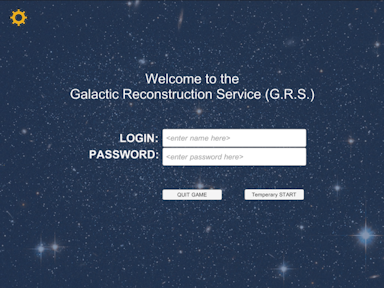
Start Up Scene: Player login (for possible network play).
Options Gear: Brings up Options panel to set game and player options.
Options Gear: Brings up Options panel to set game and player options.
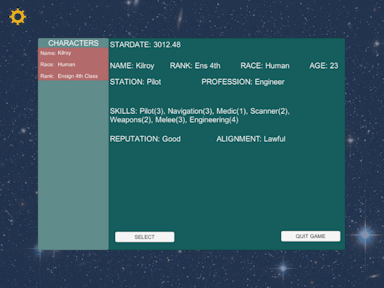
Player Selection Scene: This scene will allow the Player to select the character to play out of up to
four available.
It also will be used to select from available crew members.
It also will be used to select from available crew members.
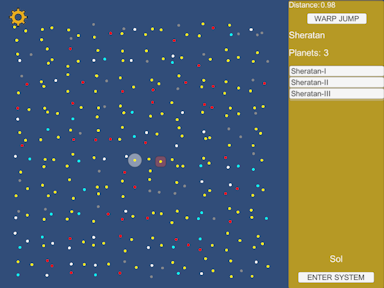
Navigation Scene: This is the Galactic navigation scene. There are two icons use for navigation: the Current
Star icon (Circle) and the Selected/Scanning icon (Square).
The side panel also shows the information about the Selected/Scanning star in the top area and the Selected star in the bottom area.
The "WARP JUMP" button is enabled if the Selected star is within warp distance. Also, the distance is RED if the star is beyond the current warp drive capability.
The "ENTER SYSTEM" button will cause the ship to enter the Selected(Circle) star system and orbit the selected planet.
The side panel also shows the information about the Selected/Scanning star in the top area and the Selected star in the bottom area.
The "WARP JUMP" button is enabled if the Selected star is within warp distance. Also, the distance is RED if the star is beyond the current warp drive capability.
The "ENTER SYSTEM" button will cause the ship to enter the Selected(Circle) star system and orbit the selected planet.
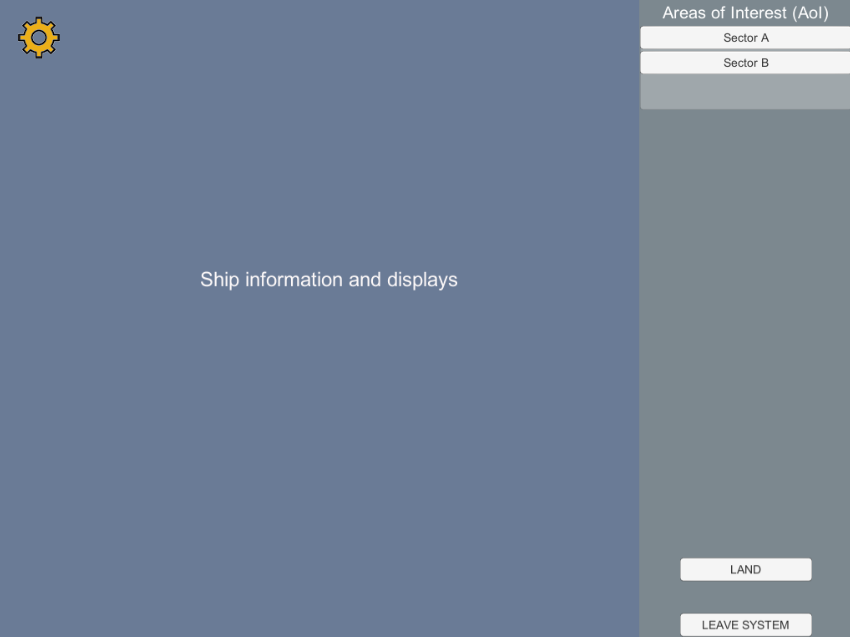
On Ship Scene: The player can preform ship operations and crew management functions
from this scene.
The side panel shows available Areas of Interest(AoI) that the player can request landing for on the selected planet.
The side panel shows available Areas of Interest(AoI) that the player can request landing for on the selected planet.
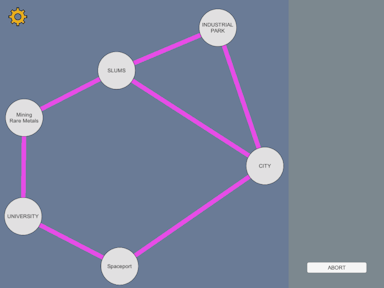
AoI Scene: This is a typical Node Map for an AoI. If it looks interesting, the player can
elect to Land by selecting a Node.
The play may also select the "LEAVE SYSTEM" button to return to the Navigation scene to pick a different planet or go to another star.
The play may also select the "LEAVE SYSTEM" button to return to the Navigation scene to pick a different planet or go to another star.
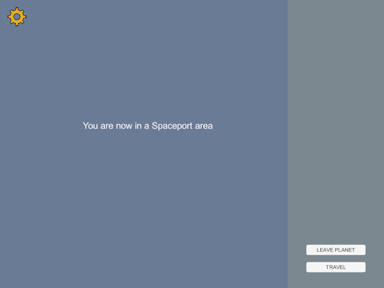
Node Scene: This is a typical Node panel. It will list Missions available, Merchants in the area,
Environmental hazards (if any), and other information about the Node.
The "TRAVEL" button allows the player to select another Node to travel to.
If the ship landed in this Node, the "LEAVE PLANET" button will be available to return to orbit and select another AoI to explore or to leave the system.
The "TRAVEL" button allows the player to select another Node to travel to.
If the ship landed in this Node, the "LEAVE PLANET" button will be available to return to orbit and select another AoI to explore or to leave the system.